

 HANDS ON SharePoint
 HANDS ON Teams
 HANDS ON Lists
 HANDS ON tek
 M365 Admin
SharePoint Skills Was the Biggest Announcement at M365 Community Conference
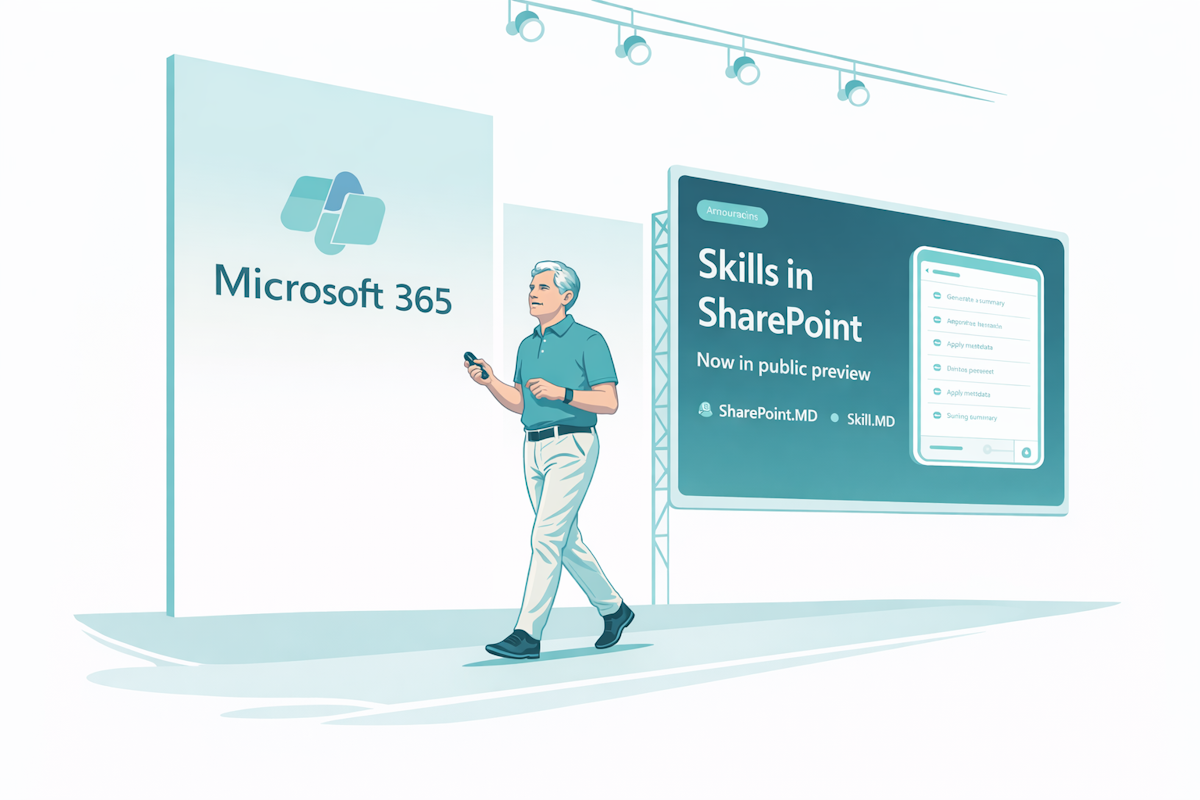
Last week I was seated in the first row at the M365 Community Conference keynote when Jeff Tepper announced the SharePoint Skills public preview, and for me that was the highlight of the event.
SharePoint Skills are not about writing better prompts. It’s a way to turn a repeatable, multi-step workflow into a reusable asset that others can run on the same site. They’re created in chat, reviewed before saving, and then reused later when the same kind of work comes back again. The system can automatically load a relevant skill based on the request, or you can call it explicitly by name.
Skills can understand and summarize content, organize files and folders, and interact with SharePoint content such as lists. At the same time, they don’t connect to external systems, don’t run custom code, and don’t give users any permissions they didn’t already have.
That keeps the feature grounded in how SharePoint actually works. It’s not trying to turn every site into a custom app platform overnight. It’s using the content, structure, permissions, and governance already in place, and making that layer easier to reuse.
To me SharePoint Skills, bring AI closer to the real work that happens in SharePoint sites every day, where teams keep reviewing similar files, cleaning up similar libraries, organizing similar folders, and asking the same questions about content quality.
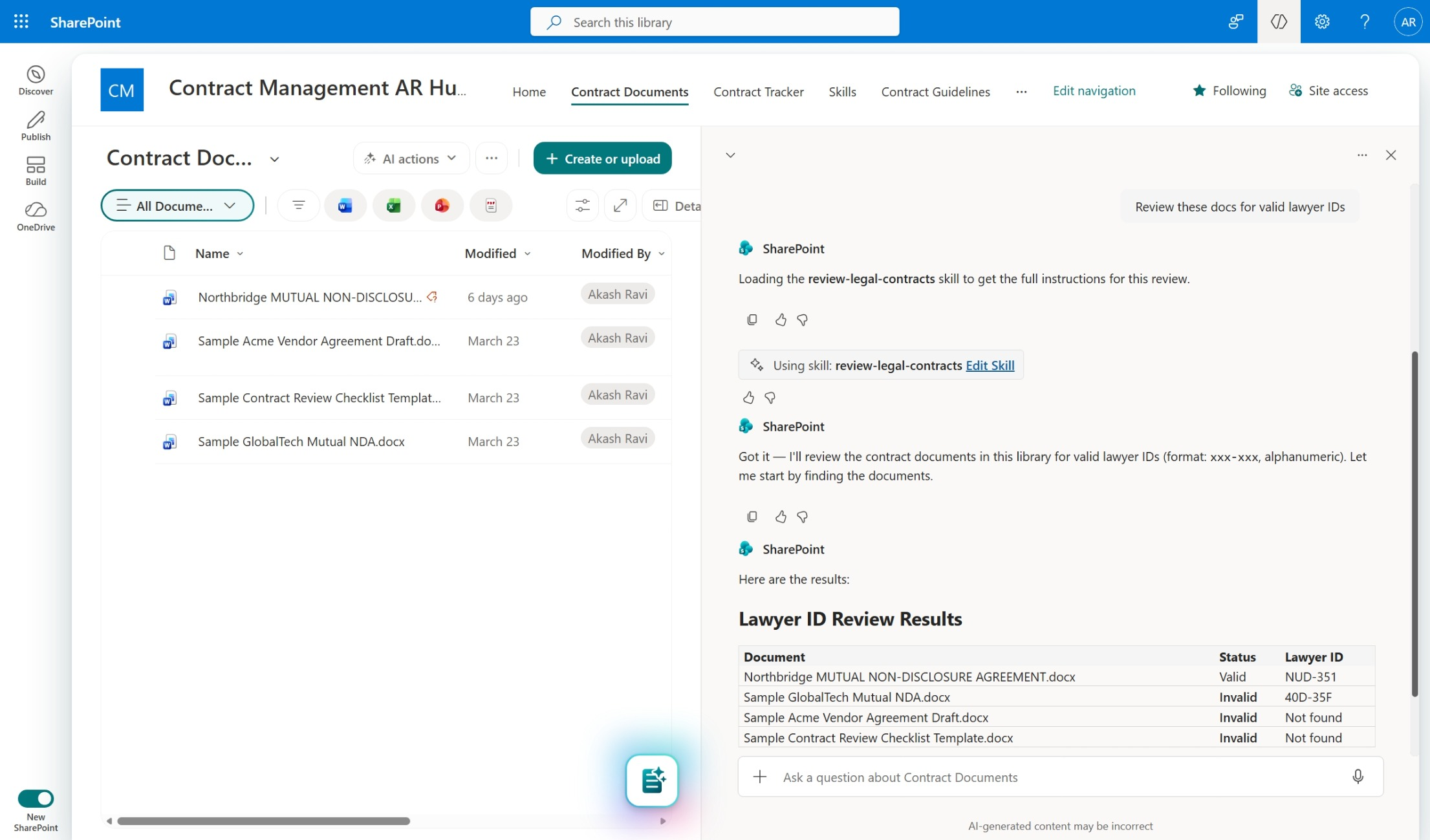
A practical example might be a skill that reviews a batch of workshop documents and creates follow-up items in a SharePoint list for anything that still needs a decision. Another could check whether uploaded files follow a naming pattern and sort the outliers into a folder for review. Another could look through project documentation and flag missing metadata before a handover.
I think the excitement around SharePoint Skills is justified, not because it’s another AI announcement, but because it has a clearer path to something teams will actually use.
In the next article, I’ll explain how SharePoint Skills are created, what needs to be enabled first, and what you should know before building them into a working site.






No comments yet