HANDS ON SharePoint
 HANDS ON Teams
 HANDS ON Lists
 HANDS ON tek
 M365 Admin
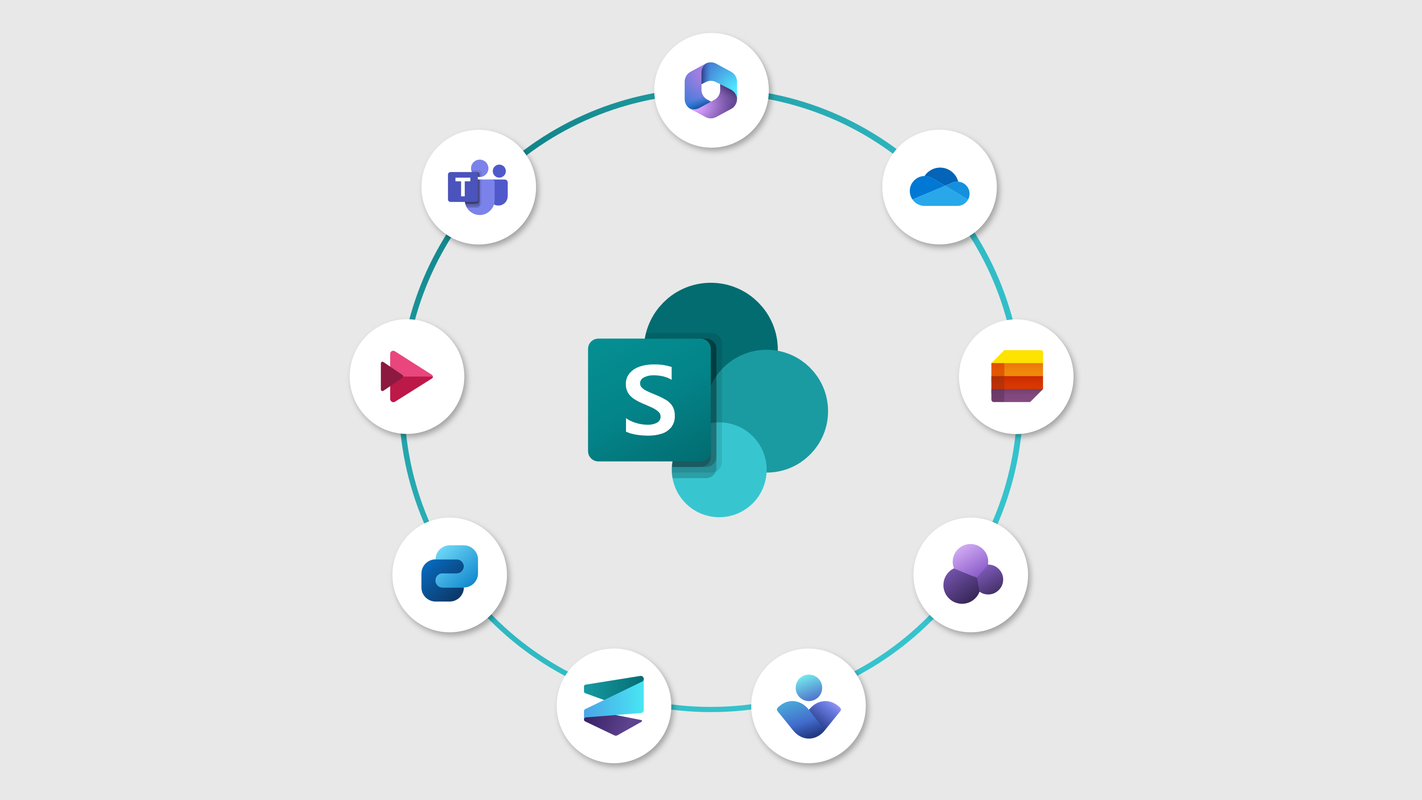
What is New for SharePoint and Related Technologies from Microsoft Ignite 2024
Welcome to my annual post with the updates for SharePoint and related technologies from Microsoft Ignite! For those new to the event, Microsoft Ignite is one of the premier conferences for IT professionals, showcasing the latest innovations and product updates from Microsoft. This year, the event was held from November 18-22, 2024, in Chicago, both in-person at the McCormick Place West and online.
In this post, I’ll explore the exciting new features and enhancements for SharePoint and related technologies unveiled at Ignite 2024. From AI-driven improvements to enhanced collaboration tools, there’s a lot to cover.